Real examples of agentic AI workflows that work
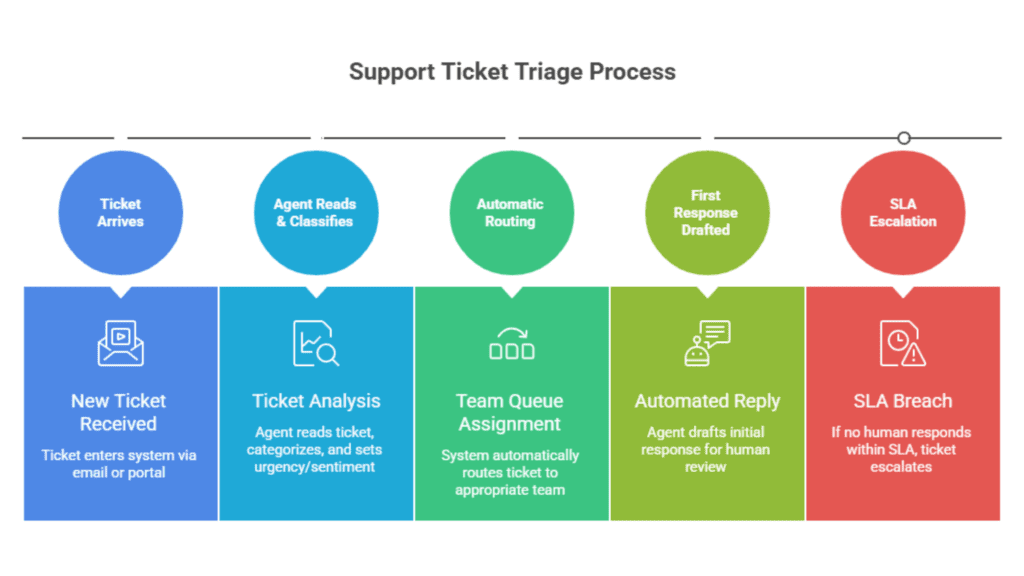
Example 1: SaaS company cuts ticket resolution time by 60%
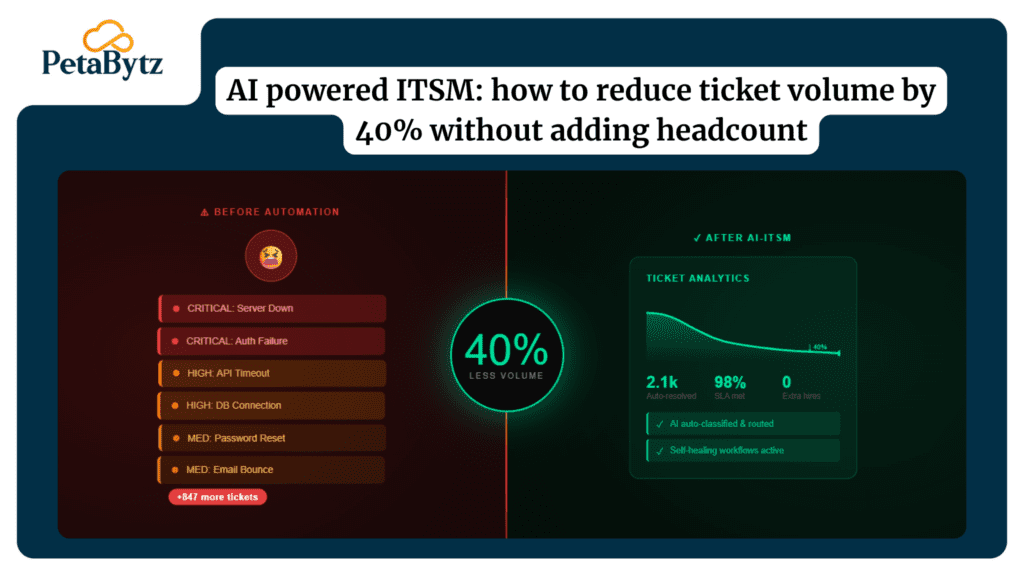
A mid-size SaaS company deployed a ticket triage agent using CrewAI. The agent classified 87% of incoming tickets correctly in Week 1. By Day 21, average first-response time dropped from 4 hours to under 40 minutes. The team didn’t replace a single support rep — they handled 3x the volume with the same headcount.
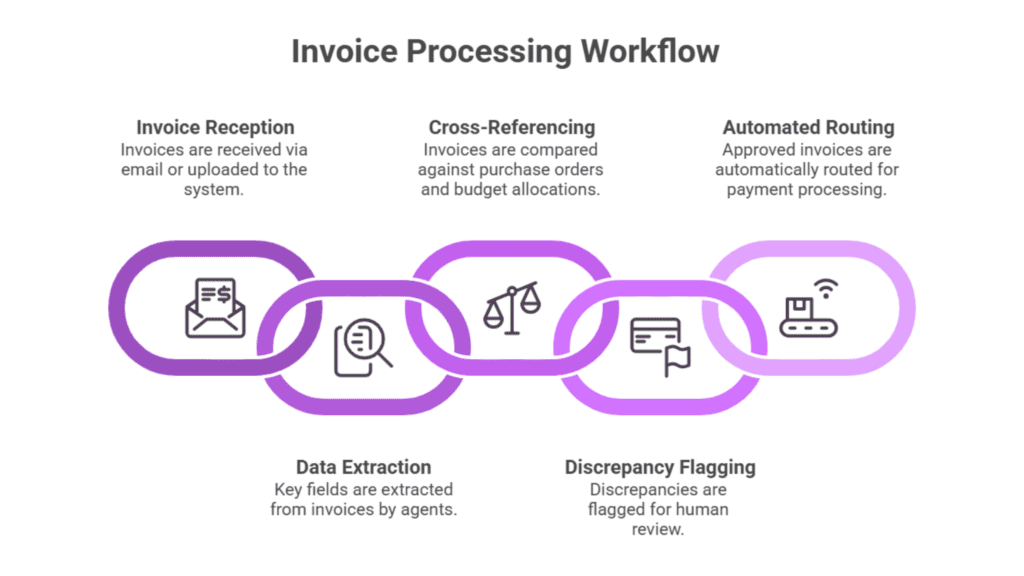
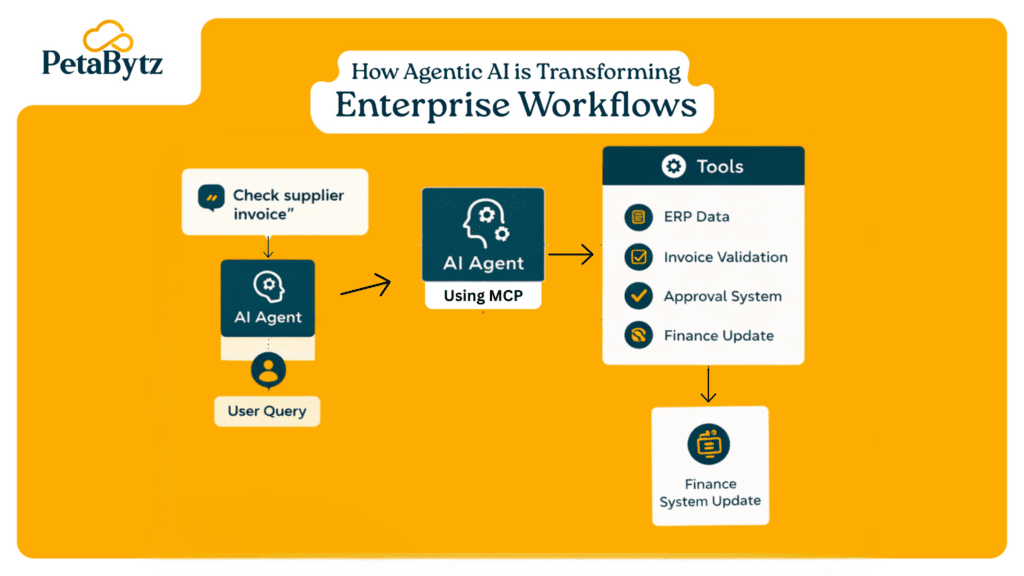
Example 2: Fintech firm automates invoice processing
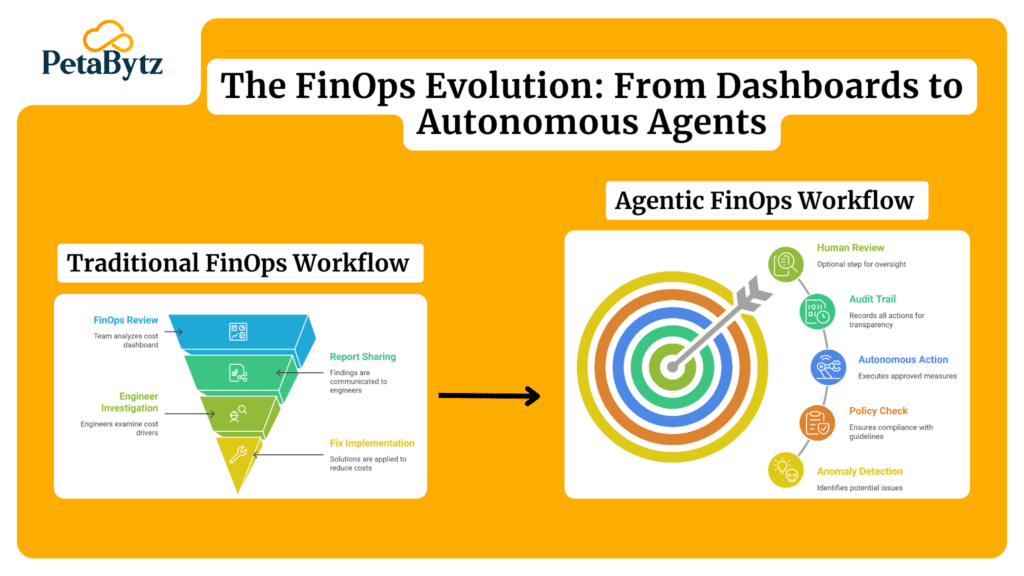
A fintech company built an invoice approval agentic AI workflow using LangGraph. Their AP team was manually processing 400+ invoices per week. After deploying the agent, 75% of invoices were processed without human touch. Error rates dropped by 40%. The ROI was visible by Day 14.
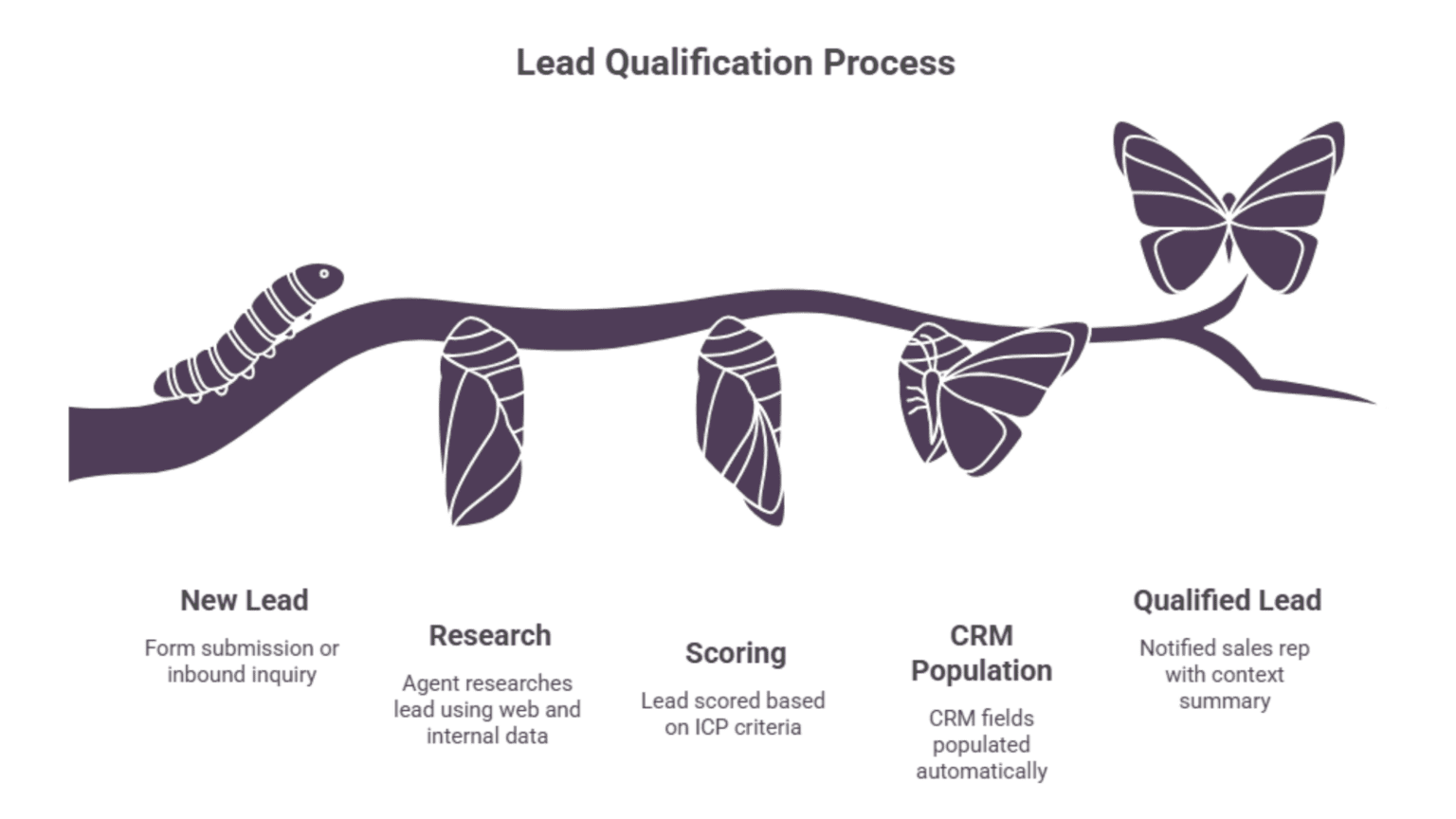
Example 3: B2B sales team 2x lead response speed
A B2B company used AutoGen-based agentic AI frameworks to build a lead enrichment agent. Inbound leads were scored, researched, and CRM-enriched within 3 minutes of submission. Sales reps received a one-paragraph context summary before every call. Pipeline conversion improved by 28% in the first month.
How to measure, refine, and expand (Days 21–30)
Define success metrics before Day 1. Not after. Not during. Before.
The three metrics that matter most for any agentic AI workflow:
- Task completion rate — what percentage of tasks does the agent handle without human intervention?
- Time-to-resolution — how long does each task take compared to the manual baseline?
- Error escalation frequency — how often does the agent flag something it can’t handle?
Review these metrics weekly. If the completion rate is below 70%, dig into why — it’s usually a prompt issue or a missing tool integration.
By Day 30, your successful pilot becomes the template for your next agentic AI workflow. Document what worked, what didn’t, and what you’d change. That knowledge is your biggest asset for scaling.
Best practices to improve your agentic AI framework deployment
- Start with one contained process — always
Resist the urge to go broad. Your first agentic AI workflow should be narrow, well-defined, and low-risk. A focused win builds the internal trust you need to deploy more ambitious agents later.
- Use off-the-shelf frameworks — don’t build from scratch
Mature agentic AI frameworks like LangGraph and CrewAI already solve the hard orchestration problems. Building your own framework from scratch costs 6–12x more time and introduces reliability risks you don’t need.
- Make guardrails your first design decision
Every ai agentic workflow needs defined boundaries. What can the agent do without approval? What must it escalate? What should it never touch? Answer these before writing a single line of agent code.
- Involve a non-technical stakeholder early
Your finance, ops, or legal contact will surface requirements your engineering team would never think of. Getting their buy-in on Week 1 prevents blockers at Week 3. It also speeds up approval when you’re ready to go live.
- Log everything — even what works
Observability isn’t just for debugging. Logs let you prove ROI, replay successful agent sessions, and train stakeholders on what the agent is actually doing. Treat your logs like gold from Day 1.
- Treat your pilot as a template — not a one-off
Document your architecture, prompt designs, tool integrations, and escalation logic. Your second agentic AI framework deployment should take half the time of your first — because you’re building on a tested blueprint, not starting from zero.
How the right partner accelerates your agentic AI framework journey
Here’s the reality most teams hit around Day 10: the architecture decisions stack up fast.
Which agentic AI frameworks actually fit your infrastructure? How do you scope permissions without blocking the agent? How do you build a monitoring layer that your ops team can actually use?
These aren’t questions you want to answer through trial and error on a production workflow.
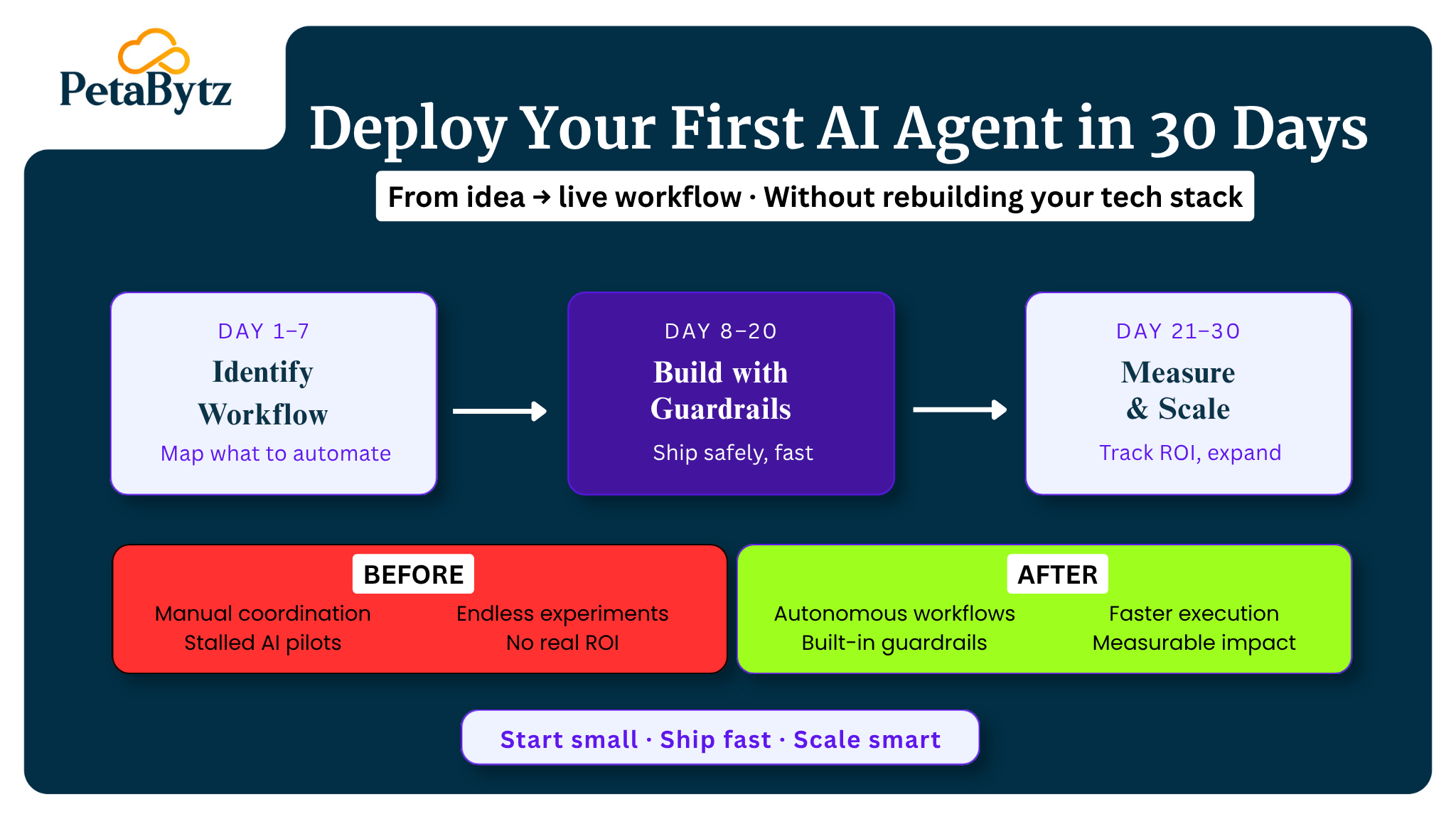
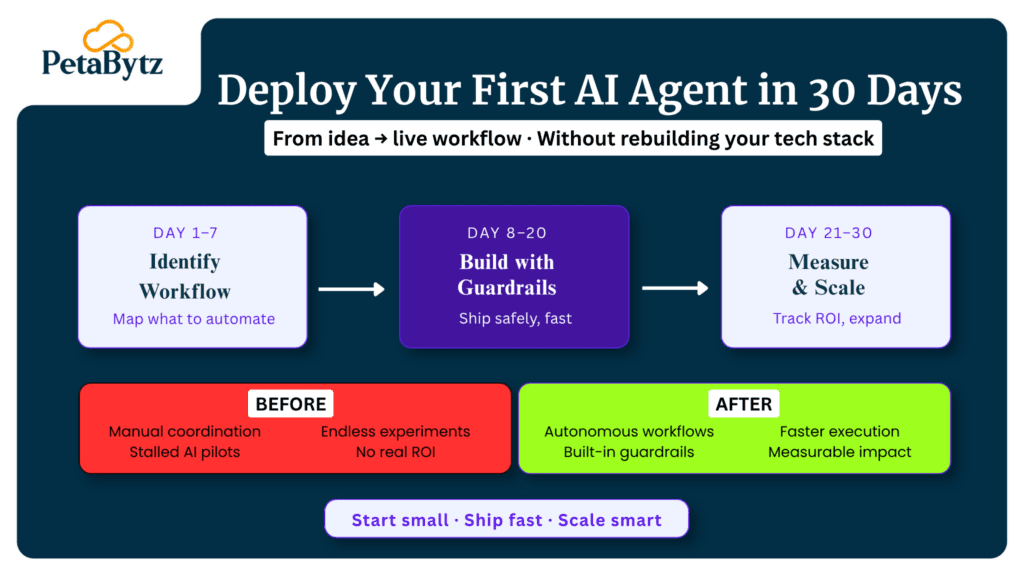
That’s where Petabytz comes in. We help enterprises identify the right agentic AI workflow for their first deployment, build it with the right guardrails, and go live in 30 days — without the complexity of standing up a dedicated AI team from scratch.
Our team has deployed agentic AI workflows across fintech, SaaS, logistics, and healthcare — and we’ve built a repeatable deployment playbook so your team doesn’t have to reinvent the wheel.
Conclusion
You don’t need to overcomplicate this.
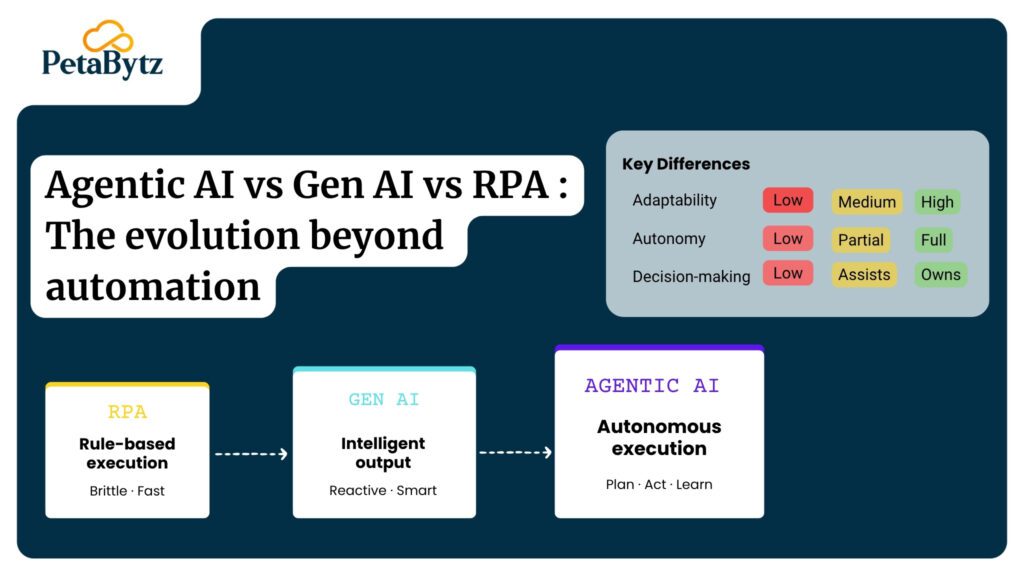
Pick one workflow. Pick one of the proven agentic AI frameworks. Build with guardrails. Measure everything. Then repeat.
The teams winning with agentic AI today didn’t start with a 50-agent system. They started with one working agentic AI workflow — and used that momentum to build the next one.
Your 30-day window is closer than you think. The framework is here. The tools are mature. The only thing missing is the decision to start.
Ready to ship your first agent?
Book a discovery call with Petabytz — and let’s identify the right agentic AI workflow for your business in under 30 minutes.
Website: www.petabytz.com
Email: info@petabytz.com
 INDIA
INDIA
 USA
USA CANADA